Why one router at one end of the house leaves dead rooms
The router in the front hallway was never going to reach the back bedroom, and no amount of restarting it will change that.
September 9, 2026 · 4 min read
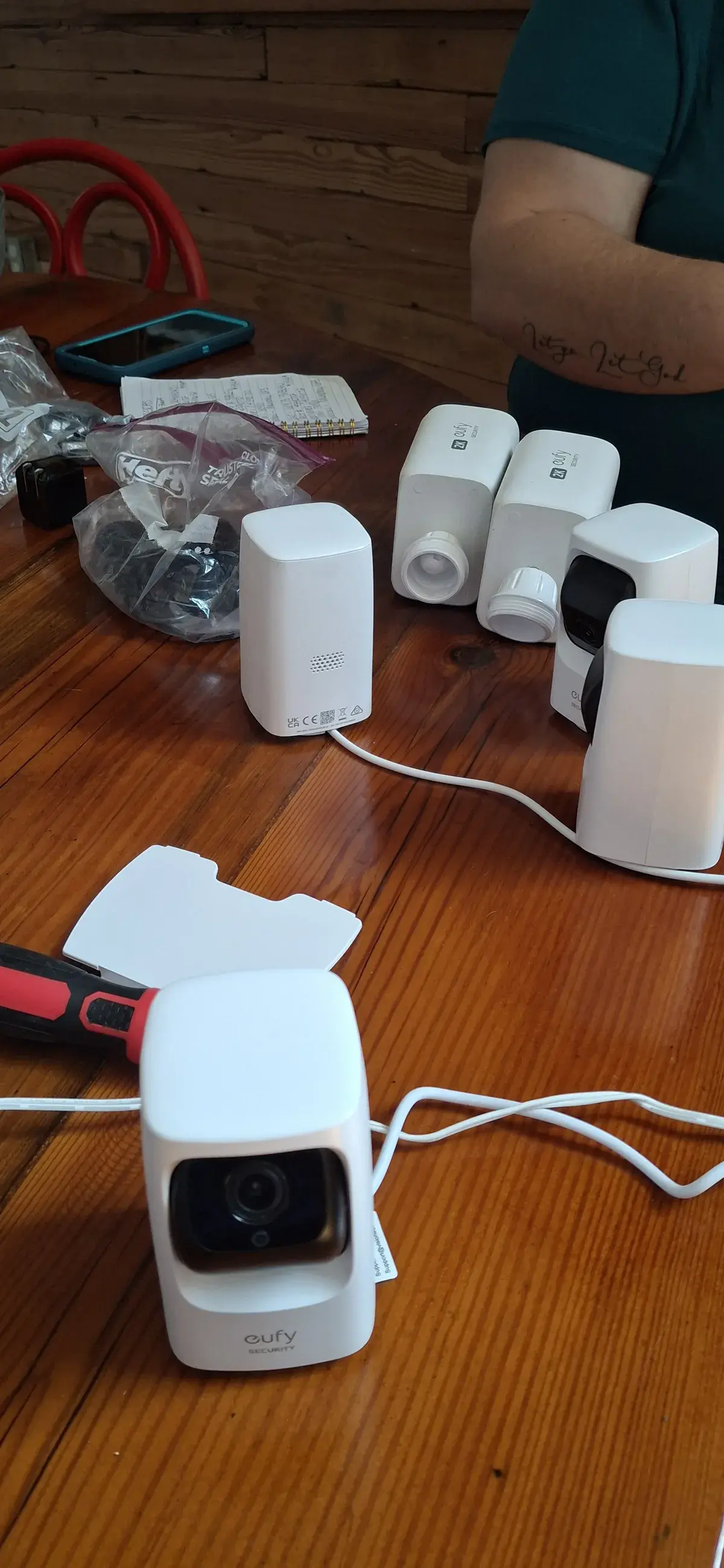
The most common Wi-Fi complaint we hear is not that the internet is slow. It is that it is fine in the living room and unusable in the back bedroom, the garage, or the upstairs office. That pattern almost always means the same thing: there is one router doing the work of a whole house, sitting wherever the internet line happens to come in, which is rarely the center of the home. A Wi-Fi signal loses strength with distance and loses more of it passing through walls, especially brick, block, or anything with metal ductwork or foil insulation behind the drywall. Restarting the router does not fix a distance problem.
What a mesh system actually changes
Mesh Network Setup, a standard install at $149, replaces that single point of coverage with a small network of nodes that hand a device off from one to the next as you move through the house, using Eero or Google Nest hardware depending on what fits the property. The point is not just adding more boxes. It is placing them where the actual dead zones are, which is a question we answer by testing, not by guessing at the floor plan from the driveway.
How dead zones actually get tested
Before we decide where a node goes, we walk the house with a signal reading in hand, checking strength room by room rather than assuming symmetry just because two rooms look the same size on paper. A garage with a metal door and a water heater in the corner behaves nothing like a bedroom on the far side of a stud wall, even if they are the same distance from the main router. Once we know where signal actually drops off, not where a floor plan diagram suggests it should, node placement becomes a matter of covering that specific gap rather than spreading nodes evenly and hoping.
- Test signal strength room by room instead of assuming distance alone predicts coverage.
- Treat brick, block, and rooms full of ductwork as harder to cover than open interior walls.
- Place nodes to close a tested dead zone, not to divide the house into equal thirds.
- Confirm device handoff between nodes before calling the job finished.
- Set up network security and connect the household’s devices as part of the same visit.
When a hard-wired run is worth adding
Some homes have a room, a home office or a spot with a smart hub and a few streaming boxes, that benefits from more than wireless coverage. Network Configuration covers exactly that: router and device setup, Cat6 Ethernet where it makes sense, and a hybrid network that mixes mesh coverage for phones and laptops with a hard-wired connection for anything that benefits from one. That visit is a $75 on-site service call, credited back to your final installation cost if you move forward, the same consultation model we use for home theater and smart hub design work.
None of this requires you to know the technical reason your Wi-Fi drops out in the back bedroom before you call. That is the part we test for. What we ask instead is which rooms actually give you trouble, streaming stopping, video calls freezing, a smart speaker that never seems to hear you from the kitchen, and we build the node placement around real answers to that question rather than a guess based on square footage. Over 500 projects across Middle Georgia later, that is still the difference between a mesh system that fixes the problem and one that just moves it to a different room.
What a working network usually needs to support
Wi-Fi coverage rarely stands alone anymore. Once the mesh is placed and tested, the same network usually needs to carry a Ring or Nest camera, a Sonos speaker in the kitchen, and whatever streaming box is attached to the television, all without one device starving another during a video call. That is where a locked down, properly segmented network pays off, since a security camera pulling a steady upload stream should not be the reason a laptop stutters during a work call in the next room. We size and place the mesh with that mixed load in mind, not just for a single phone walking from room to room during a signal test.
For a household that wants the whole thing bundled together, the Wi-Fi Whole Home Bundle pairs mesh setup with network optimization starting at $329, and it is one of the more common calls we get from a family who just moved into a Middle Georgia house built before whole home coverage was a standard expectation. Whether it is a full bundle or a standalone mesh install, the process ends the same way: we walk the house with you a second time, confirm the dead zones from the first walk are gone, and connect the household’s devices before we call it finished.
Laslar Tech Installs, (478) 442-5358
Call (478) 442-5358More articles
How high should a TV really go over the fireplace?
The mantel is furniture. The number that decides TV height over a working firebox is heat, and the number that decides comfort is your neck.
What hiding the wires actually involves
A clean wall with no cable in sight is a specific piece of work, not a five minute add-on to a TV mount.