Setting up technology for an older parent so they’ll actually use it
Technology that helps an older parent has to be set up around how they already live, not around what feels impressive to install.
September 22, 2026 · 3 min read
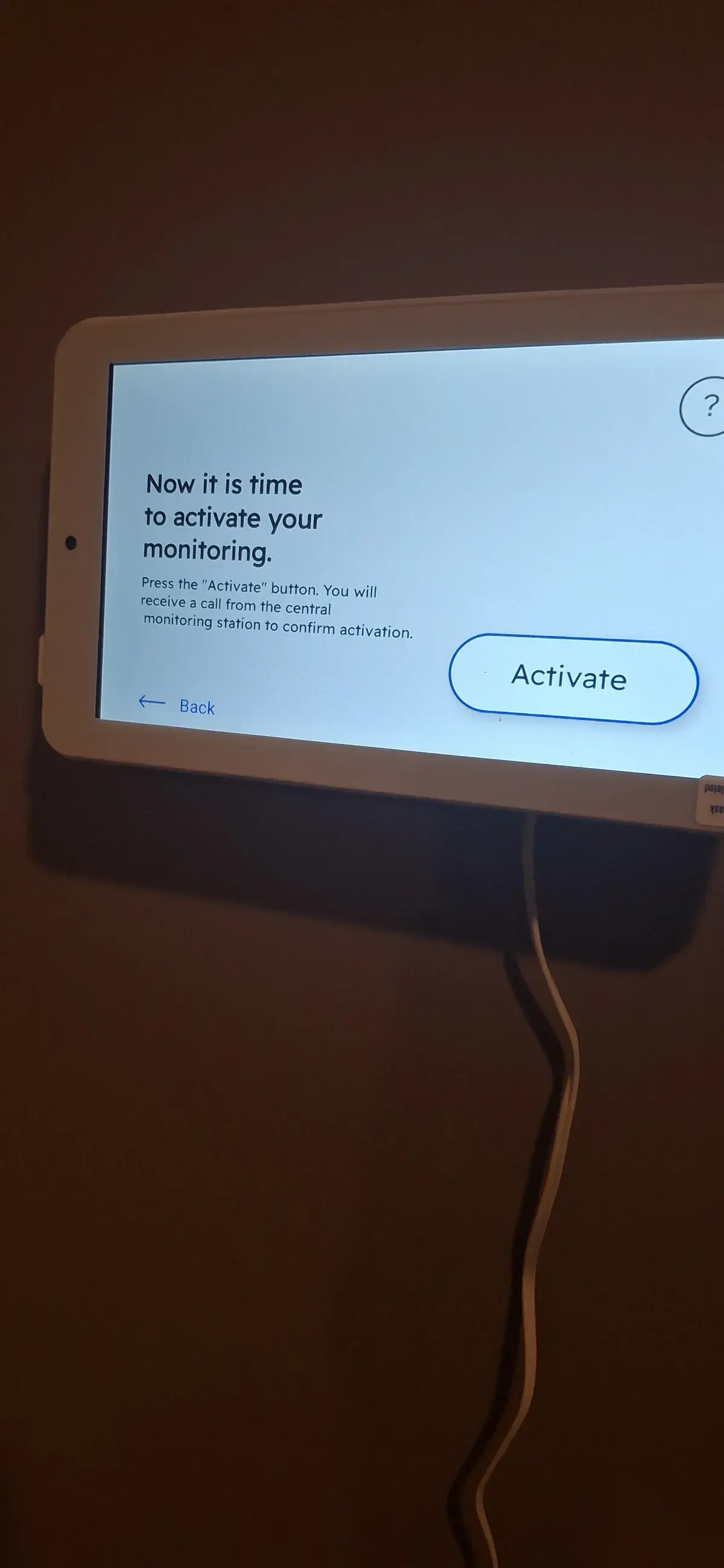
A lot of well meaning technology for older parents ends up in a drawer. Not because it does not work, but because it was set up for someone who is comfortable with menus, app switching, and password managers, handed to someone who is not, and left there with a quick explanation nobody remembers a week later. The fix is not a simpler gadget. It is setting up the right technology the right way, and making sure the whole family, not just the person using it day to day, understands how it works.
Video calling on the television, not a small screen
Senior Tech Solutions, starting at $149, is built around this exact problem. A big piece of it is setting up JubileeTV and Alexa so video calling happens on the television a parent already sits in front of every day, instead of a phone or tablet screen that is small, easy to lose, and often intimidating to operate one handed. Calling in with JubileeTV can be as simple as another family member dialing in and the television answering, with no phone to pick up and no app icon to hunt for first. Alexa gets configured for voice commands so asking for a call, the weather, or a reminder does not depend on typing anything at all.
Setting up the caregiver side, not just the parent’s side
The other half of a senior tech setup is the caregiver app, the piece that lets family members check in remotely without a phone call every single day. This only works if it is set up correctly on both ends at the same time, which is why we do not treat this as a one person installation. Getting the caregiver app running on a son or daughter’s phone while the television side is being configured means everyone is checking the same thing, rather than one adult child guessing at settings over the phone weeks later trying to figure out why a notification never came through.
Why the whole family belongs in the training session
Every Senior Tech Solutions job includes a full Family Orientation Session, and we mean the whole household, not just the person the system is primarily for. If only one family member learns how the video calling and caregiver app work, that person becomes the only one who can troubleshoot it, and the system quietly stops getting used the first time something changes, a Wi-Fi password update, a television software update, anything. Training everyone at once means a grandchild who is visiting for the holidays can help just as easily as the adult child who set the whole thing up in the first place.
- Set up video calling on the television itself, not just a phone or tablet.
- Configure Alexa for voice commands so nothing requires typing or small buttons.
- Install and test the caregiver app on family members’ phones during the same visit.
- Run the Family Orientation Session with the whole household, not one designated helper.
- Ask about the senior and veteran discount when you call, since it applies to eligible installation services.
A consultation first, then a design built around this specific household
Every job we do, senior tech setups included, starts with the same professional consultation step: an in-depth look at the space and the actual people who will use it, not a generic package applied the same way to every house. From there we move to a tailored system design, choosing the specific devices, JubileeTV, Alexa, or another compatible option, that fit how this particular parent already spends their day. The installation itself is kept clean and unobtrusive, no cables running across a hallway someone walks through every morning, and the visit does not end until the demo and training step is complete and the household is genuinely comfortable, not just told how something works once and left to remember it later.
None of this treats an older parent as someone who needs to be managed or simplified down to nothing. It treats them as someone who deserves technology that actually works the way they already live, set up by people who show up, explain it once with everyone in the room, and stay until it is understood rather than just installed. The Senior Connect Bundle, which pairs the Jubilee, Alexa, and training visit together, starts at $229, and it carries the same lifetime workmanship warranty as every other job we do across Middle Georgia.
Laslar Tech Installs, (478) 442-5358
Call (478) 442-5358More articles
How high should a TV really go over the fireplace?
The mantel is furniture. The number that decides TV height over a working firebox is heat, and the number that decides comfort is your neck.
What hiding the wires actually involves
A clean wall with no cable in sight is a specific piece of work, not a five minute add-on to a TV mount.